
User-friendly digital evidence playback software
Find, review and export clips of vehicle incidents quickly and easily.
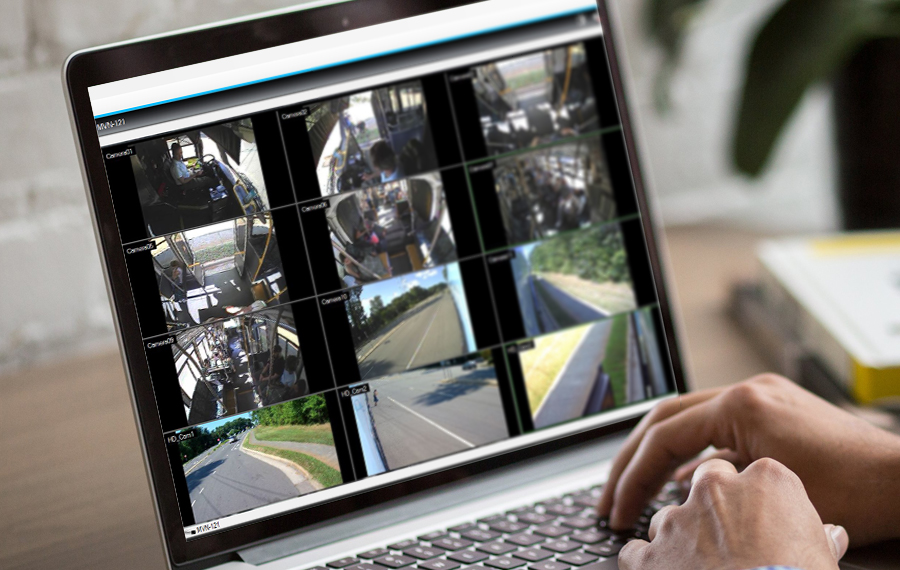
Safe Fleet Video Playback Software provides a user-friendly platform to find, review, and export vehicle incidents. It allows fleet managers to access critical evidence using GPS location, alarms, or time-stamped data to improve student safety and fleet accountability.
How does Video Playback Software improve evidence management?
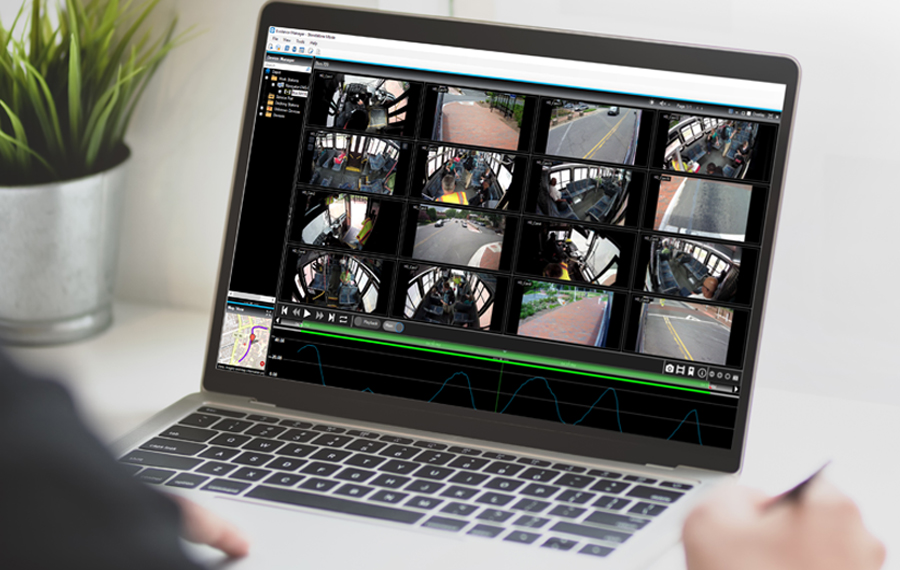
Our software simplifies incident reviews by synchronizing video with GPS tracking and vehicle data. This provides a clear, objective view of every event to support driver exoneration and student safety.
How does GPS Mapping enhance video reviews?
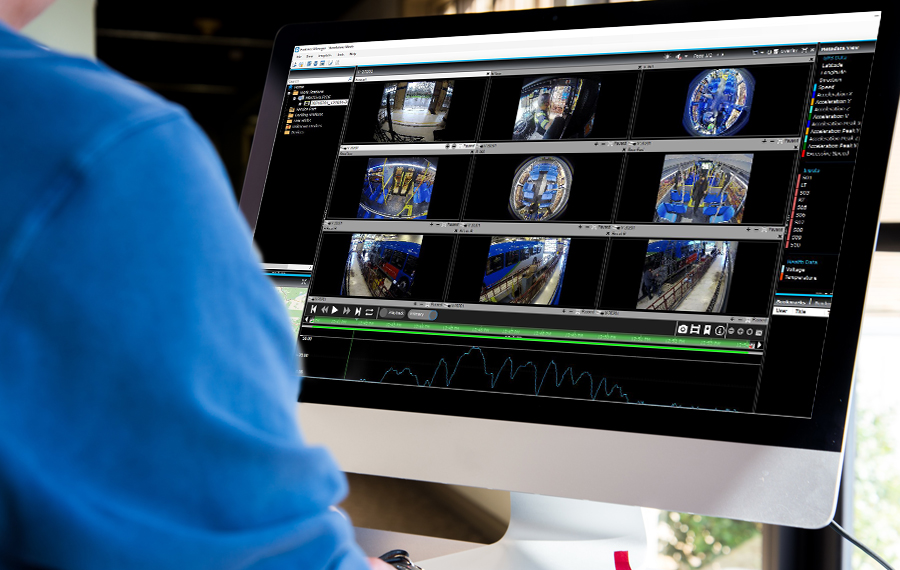
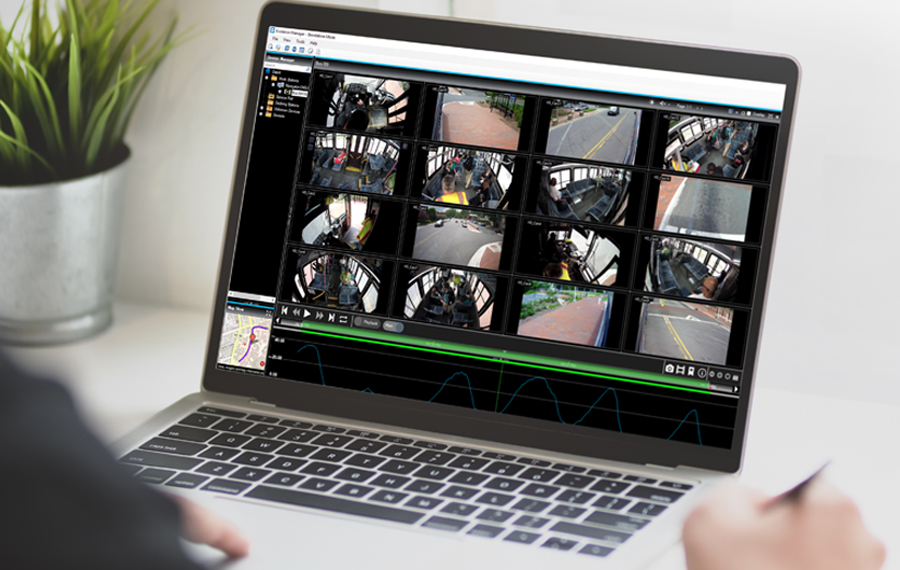
The software maps vehicle paths and speeds, synchronized with video. This ensures managers can pinpoint the exact time and location of every onboard incident.

What is Timeline Navigation?
Timeline Navigation allows users to search for video by clicking specific dates or alarms. This tool makes finding critical evidence fast, simple, and efficient.
How does Privacy Redaction protect passengers?
Privacy features allow managers to blur faces and remove audio of passengers. This ensures student privacy is protected when sharing video evidence with third parties.
Simplified Access and Professional Evidence Sharing
This license-free software allows fleet operators to interact with recording systems in real-time to maintain hardware health and export secure, tamper-proof evidence files.
What is the benefit of License-Free Software?
Software is easily shared with law enforcement or legal teams at no extra cost. This ensures all stakeholders have immediate access to facts for rapid resolution.
How does System Health Monitoring work?
The software monitors the status of your onboard hardware in real-time. This ensures your video recorders are functional and ready to capture evidence when it matters most.
How do you export evidence for authorities?
Export secure, encrypted video files that remain admissible in court. This ensures your fleet evidence remains tamper-proof and professional during incident reviews or legal proceedings.
Related Products
Evidence Management Software
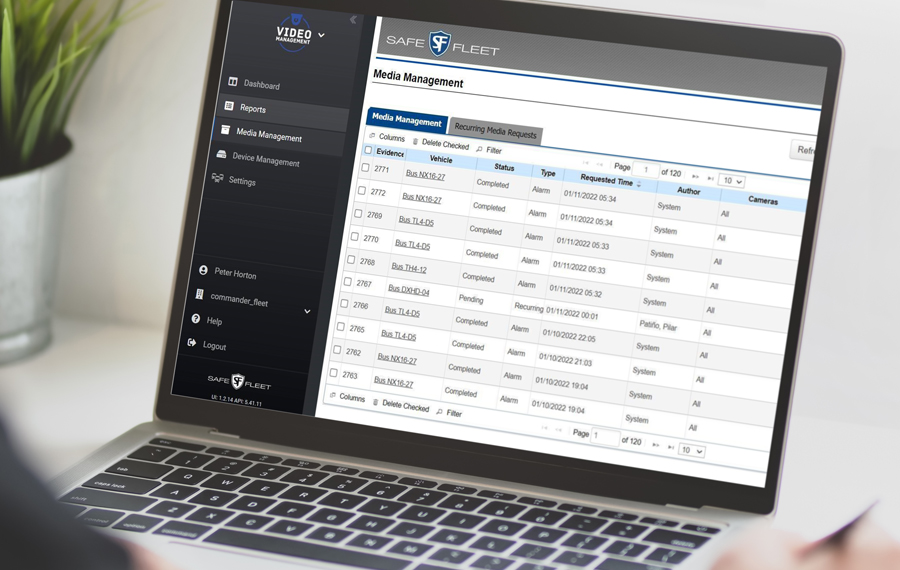
Manage all your digital evidence through a single, web-based platform that lets you search for and upload media from vehicle incidents. View which fleet vehicles are connected. See if any alarms have been triggered. Assess the health status of your hardware. See the status of your media requests.
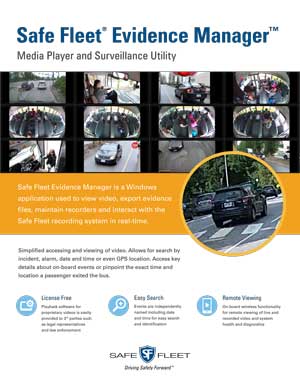

Frequently Asked Questions About Onboard Video Playback Software for School Bus
What is Safe Fleet Video Playback Software?
It is a digital evidence tool used to find, review, and export video clips from school bus incidents quickly and easily.
Can I track vehicle location in the video?
Yes, the software synchronizes video playback with GPS maps to show the vehicle’s exact location and speed during an event.
How does the software protect student privacy?
The software includes redaction tools to blur faces and remove audio, ensuring only necessary information is shared while protecting passenger identities.
Is there a license fee for the software?
No, the software is license-free, making it easy to share with third parties like law enforcement or legal representatives when necessary.